
The flashcard app for serious learners
Learn actively, remember longer.
Write flashcards, take notes and review right before you would forget — all in one tidy study space.
- Start in a minute. Try it right away with sample data, or sign up with email or Google.
- Perfect timing. Spaced repetition brings cards back right before you forget.
- Any device. Runs in desktop and mobile browsers, with your data in sync.
No sign-up needed — explore with sample data right away

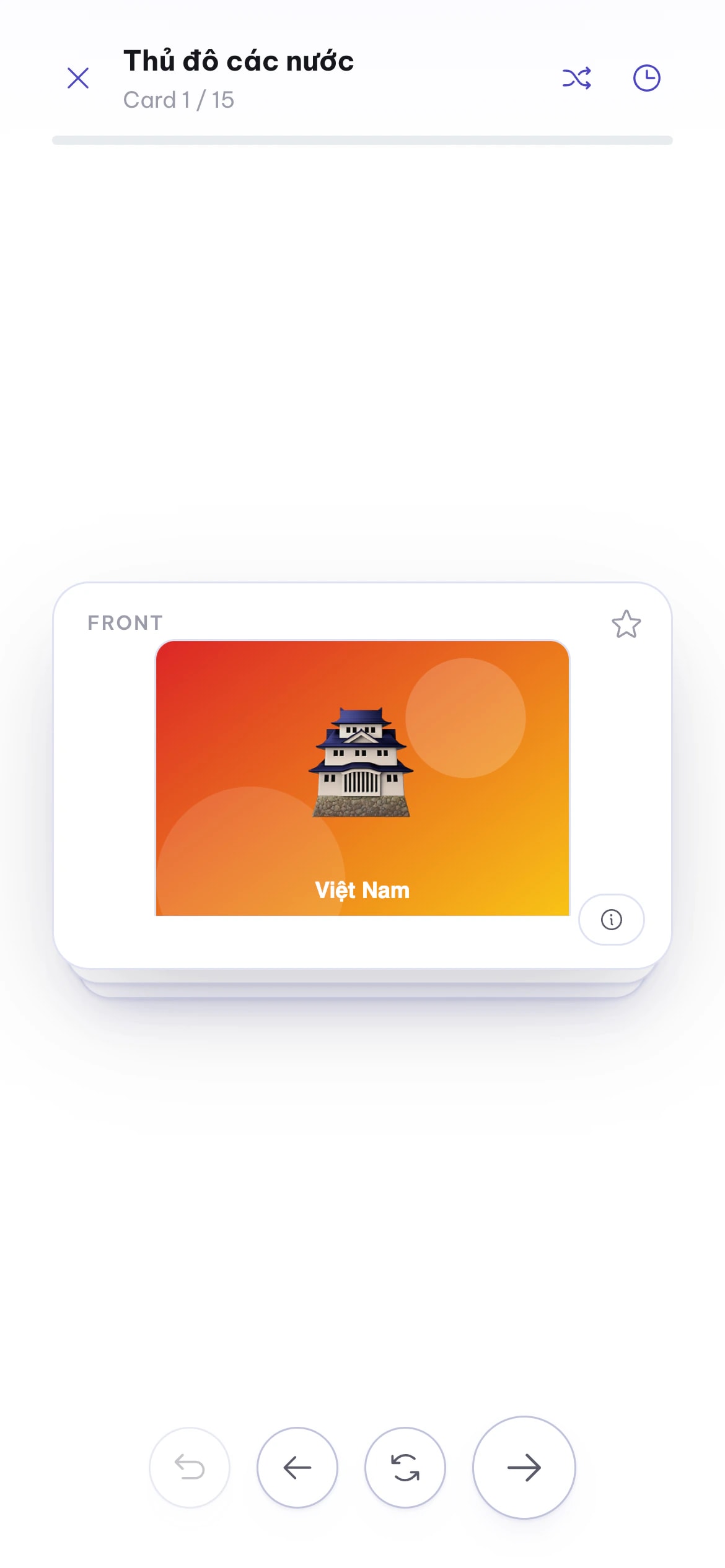
Start in a minute
Try it right away with sample data, or sign up with email or Google.
Perfect timing
Spaced repetition brings cards back right before you forget.
Any device
Runs in desktop and mobile browsers, with your data in sync.
Product
Everything you need to learn, in one place
Flashcards, a review schedule, documents and a media library that work together — no jumping between apps.

Flashcards
Flashcards with images, examples and related words
Every card is a small page of knowledge: text and images on both sides, example sentences, rich notes and links to synonyms, antonyms and look-alikes.
Learn moreSpaced repetition
Review right before you forget
Six Leitner boxes schedule reviews from 1 to 30 days. Swipe right if you know it, left if you don’t — press Z if you slip.
Learn moreReview sessions
Review several decks in one session
Pick sources flexibly from many decks — whole decks or single cards — then review in one go. Made for exam season.
Learn moreNotes & documents
Notes and flashcards in the same place
An editor with tables, math, code blocks, sub-pages and comments. Select a passage to make a card, embed a deck to read and review together.
Learn moreQuick capture & Inbox
Capture first, organise later
Drop a new word or idea into the Inbox in seconds and file it into the right deck or folder later. Press ⌘J to open anything.
Learn more
How it works
Three steps to lasting memory
Doopi handles the scheduling — you focus on learning.
- 1
Create cards
Build your own decks, or jot ideas into the Inbox and organize them later.
- 2
Review daily
Swipe right when you know it, left when you don’t. Slipped? Hit Undo.
- 3
Remember longer
Intervals stretch as your memory grows, and stats show your progress every day.
The method
The Leitner system — review less, remember more
Every card lives in a box. Get it right and it moves up, coming back later; forget it and it returns to the first box.
- Got it → move up a box
- Still learning → back to box 1, review tomorrow
- 11 dayBox 1
- 22 daysBox 2
- 44 daysBox 3
- 77 daysBox 4
- 1414 daysBox 5
- 3030 daysBox 6
- DocumentsSelected text → front / back
- Media libraryAn image from your library → card image
- InboxCapture first, organize later
Notes to cards
From notes to flashcards in one tap
Reading a document or browsing images? Turn what matters into a card on the spot — no copying.
- Highlight a passage in a document and create a card with front and back prefilled
- Open an image in your media library and use it on a card
- Doopi remembers the deck you picked last time, so you don’t have to choose again
Personalisation
Make it yours
Pick your favourite accent colour and switch to dark mode for late-night study — the whole app follows instantly.
Who it’s for
Everyone has something to remember
From IELTS candidates and exam takers to medical students — see how Doopi helps each kind of learner.
Frequently asked questions
Can I try Doopi before signing up?
Yes. Click “Try it now” to enter a trial space with sample decks, documents and review sessions — add, edit and delete freely without creating an account.
What is spaced repetition?
It is a way of reviewing at growing intervals: cards you remember come back less often, cards you forget come back more often. You review less and still remember longer.
Can I use Doopi on my phone?
Yes. Doopi runs in the browser on phones, tablets and computers, and the layout adapts to your screen. Your data syncs across devices through your account.
Is my data safe?
The content you create belongs to you. Data travels over HTTPS, passwords are hashed, and we never sell your data or use your content for advertising.
Can I create cards from my own documents?
Yes. Highlight a passage in a document to create a prefilled card, or use an image from your media library on a card.
Start studying smarter today
Explore with sample data right away, or create an account and build your first deck in minutes.